Server Software
When you create a server you choose the software it runs. For most types, DiscoPanel downloads and installs everything for you. There is nothing to set up on your machine.
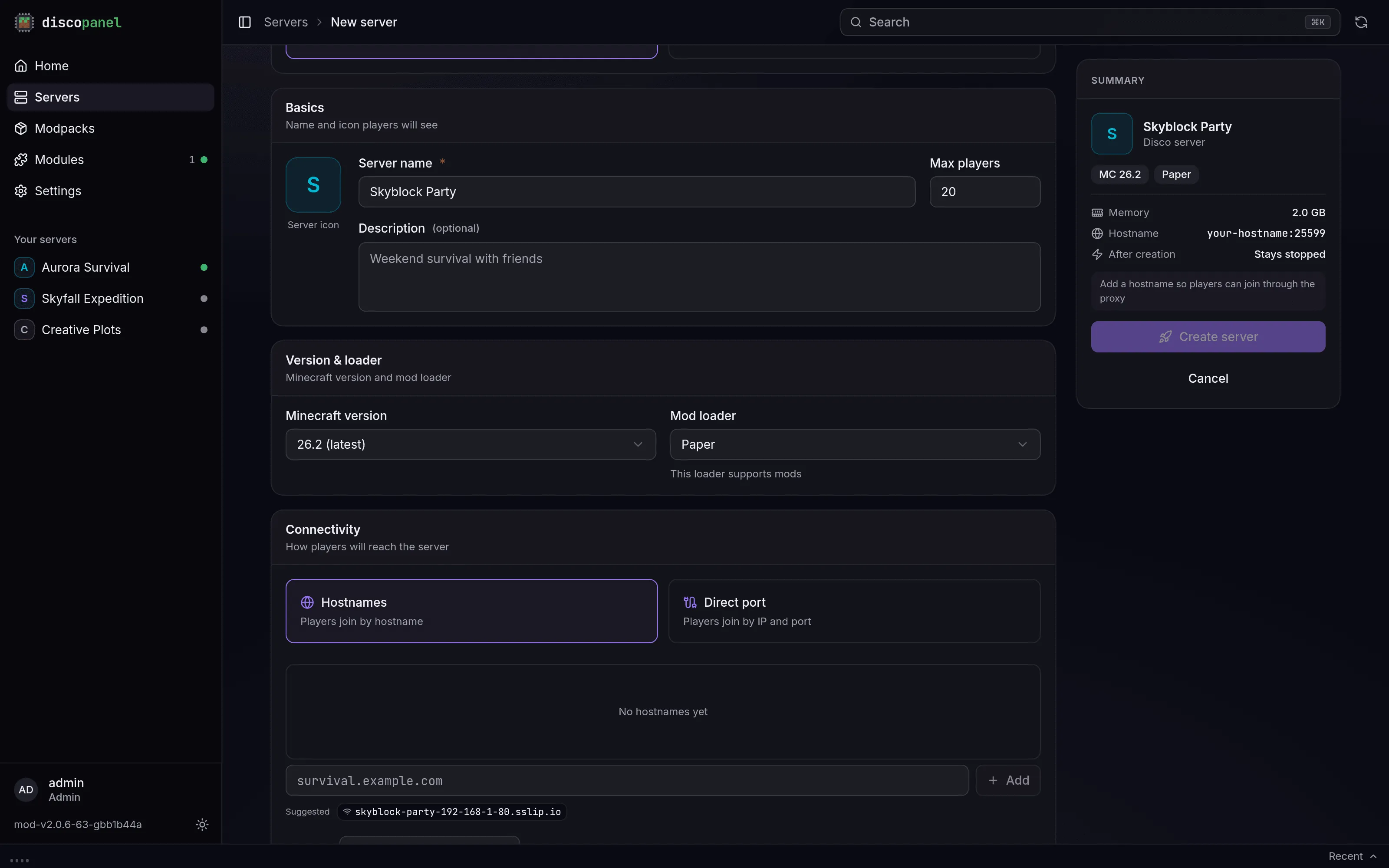
Installed automatically
Section titled “Installed automatically”- Vanilla - the official Mojang server
- Paper, Purpur, Folia - high performance servers with plugin support
- Fabric and Quilt - lightweight mod loaders
- Forge and NeoForge - the classic mod loaders
DiscoPanel picks the recommended build for your Minecraft version, or the latest stable one if there’s no recommendation. If you need a specific Forge or NeoForge build, set the Forge Version field in the server properties.
The Auto CurseForge and Modrinth types install a modpack instead, and the pack decides which loader to use. See Modpacks.
Everything else
Section titled “Everything else”Server software that DiscoPanel can’t download for you (Spigot, hybrid servers like Mohist, or something homemade) still works fine. Upload your server files through the Files tab, then either:
- set Custom Server JAR to the jar’s location (a path inside the server folder, or a URL for DiscoPanel to download), or
- set Custom JAR Execution if the server needs its own launch arguments, for example
-jar mohist-1.20.1.jar.
Memory and JVM settings apply to custom servers like any other.
Java versions
Section titled “Java versions”You never need to think about Java. DiscoPanel checks which Java version your Minecraft version needs and uses it. If you want to force a different one anyway, there’s an override under Advanced when creating or editing a server.